.svg)

SAP interface for Azure Logic Apps
Exchange data easily between SAP and Azure Logic Apps
yunIO lets us control the automated exchange of information between SAP and Azure Logic Apps, which we use to create complex workflows at the B2B level, all without any need for programming or intervention in SAP.



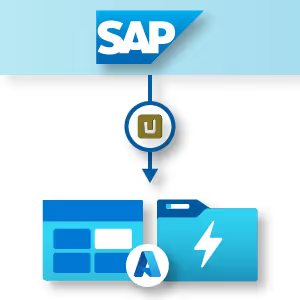
Efficient SAP integration with Azure Cloud
Learn more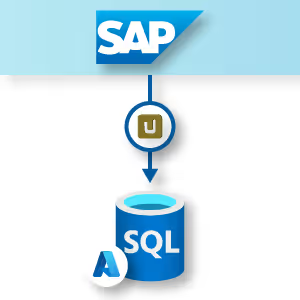
Maximum performance for your SAP data
Learn more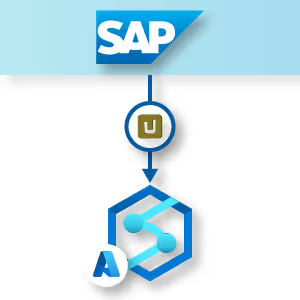
Fast and reliable SAP data analytics
Learn more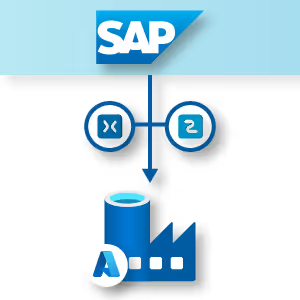
Automated processing of SAP data
Learn moreSAP integration with Azure Logic Apps
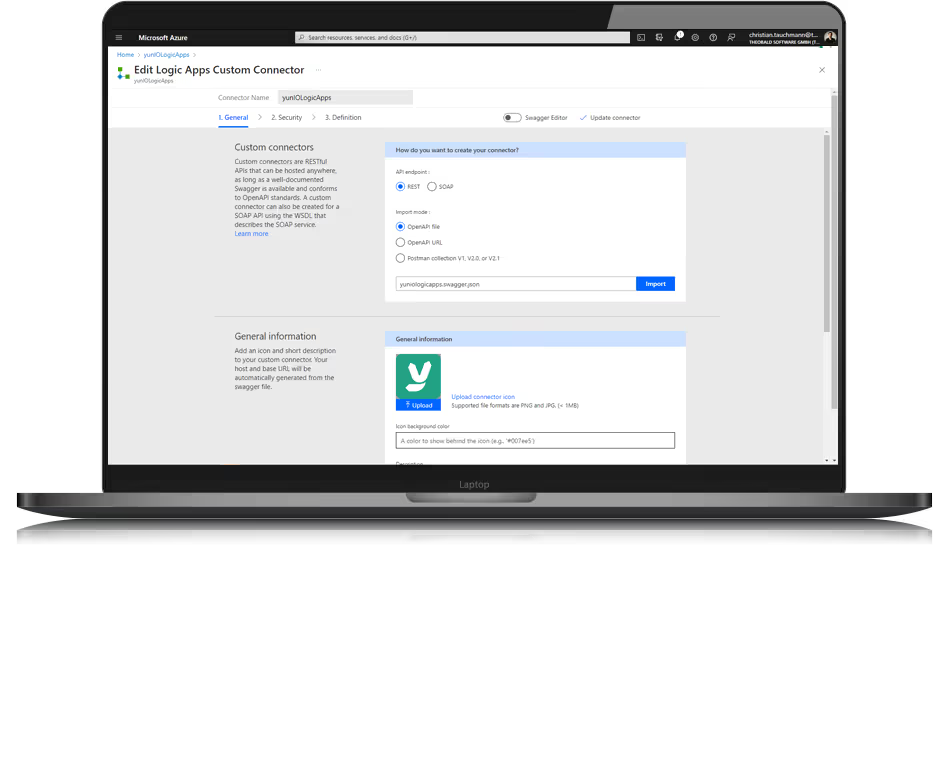
Automated input and output between SAP and Logic Apps
With yunIO, we have developed a cloud connector that does not require any costly coding efforts – that’s because yunIO is a no-code solution that is particularly well suited for citizen developers.
For transaction automation, yunIO utilizes a technology that integrates with SAP process automation tools (such as Robotic Process Automation (RPA) solutions) for the complete automation of processes for which a human was previously responsible.
With yunIO web or cloud applications, including process automation solutions such as Microsoft Azure Logic Apps, can be seamlessly connected to SAP systems. This connection enables the exchange of data, both read and write, between the systems.
Automated input and output between SAP and Logic Apps
With yunIO, we have developed a cloud connector that does not require any costly coding efforts – that’s because yunIO is a no-code solution that is particularly well suited for citizen developers.
For transaction automation, yunIO utilizes a technology that integrates with SAP process automation tools (such as Robotic Process Automation (RPA) solutions) for the complete automation of processes for which a human was previously responsible.
With yunIO web or cloud applications, including process automation solutions such as Microsoft Azure Logic Apps, can be seamlessly connected to SAP systems. This connection enables the exchange of data, both read and write, between the systems.

SAP connector for Azure Logic Apps
Integration scenarios with yunIO
There is a host of possible ways to use yunIO for Azure Logic Apps and SAP integration. For example, instead of entering new partners who participate in B2B transactions in SAP using multiple input masks, the process flow can be freely defined in Azure Logic Apps.
Data can be entered, for example, using a customized input form in Microsoft PowerApps or other fully automated workflow events. The posting is then performed in SAP with yunIO.

Integration scenarios with yunIO
There is a host of possible ways to use yunIO for Azure Logic Apps and SAP integration. For example, instead of entering new partners who participate in B2B transactions in SAP using multiple input masks, the process flow can be freely defined in Azure Logic Apps.
Data can be entered, for example, using a customized input form in Microsoft PowerApps or other fully automated workflow events. The posting is then performed in SAP with yunIO.



Integrating SAP with Azure Logic Apps

Next steps
Discover how easy the integration of SAP processes with cloud solutions is thanks to yunIO.
Similar to SAP process automation with Azure Logic Apps, integration with MS Power Automate is of course also supported. With yunIO, it’s child’s play to synchronize SAP data with other cloud solutions, such as Nintex Workflow Cloud, SharePoint Online, or Microsoft Dynamics 365 Business Central.
How can you use yunIO to transfer your SAP data to Azure Logic Apps and write it back to SAP? Let’s talk more about it in person.
Frequently Asked Questions About the SAP Connector for Azure Logic Apps
