.svg)

SAP Data Integration with Microsoft SQL Server
The Microsoft SQL Server database management system organizes data by storing it in various tables and linking them through relationships. This enables efficient data retrieval and analysis. Xtract Universal allows SAP data to be automatically written to MS SQL Server—triggered by scheduled tasks, scripts, or other triggers. This provides access to SAP data for analysis, reporting, or process automation—without any programming effort.



Efficient SAP integration with Azure Cloud
Learn more
Maximum performance for your SAP data
Learn more
Fast and reliable SAP data analytics
Learn more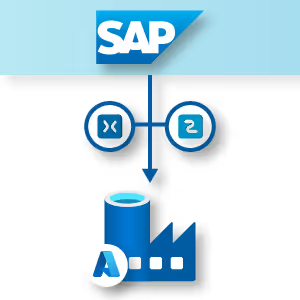
Automated processing of SAP data
Learn moreThe Challenge
Making SAP Data Available in SQL Server
Microsoft SQL Server is a mature all-in-one solution for professional data management and business intelligence. Thanks to its optimized architecture, intelligent query processing, efficient indexing, and advanced performance optimization features, it ensures fast and reliable data provisioning. Additionally, SQL Server offers powerful tools for data analysis.
However, integrating SAP data comes with several challenges. The proprietary nature of SAP architecture, complex table structures, and specific communication protocols require specialized tools to ensure correct data extraction and provisioning within SQL Server.
Making SAP Data Available in SQL Server
Microsoft SQL Server is a mature all-in-one solution for professional data management and business intelligence. Thanks to its optimized architecture, intelligent query processing, efficient indexing, and advanced performance optimization features, it ensures fast and reliable data provisioning. Additionally, SQL Server offers powerful tools for data analysis.
However, integrating SAP data comes with several challenges. The proprietary nature of SAP architecture, complex table structures, and specific communication protocols require specialized tools to ensure correct data extraction and provisioning within SQL Server.

Efficient Data Flow: Delivering SAP Data Directly to SQL Server
Your Solution: Xtract Universal
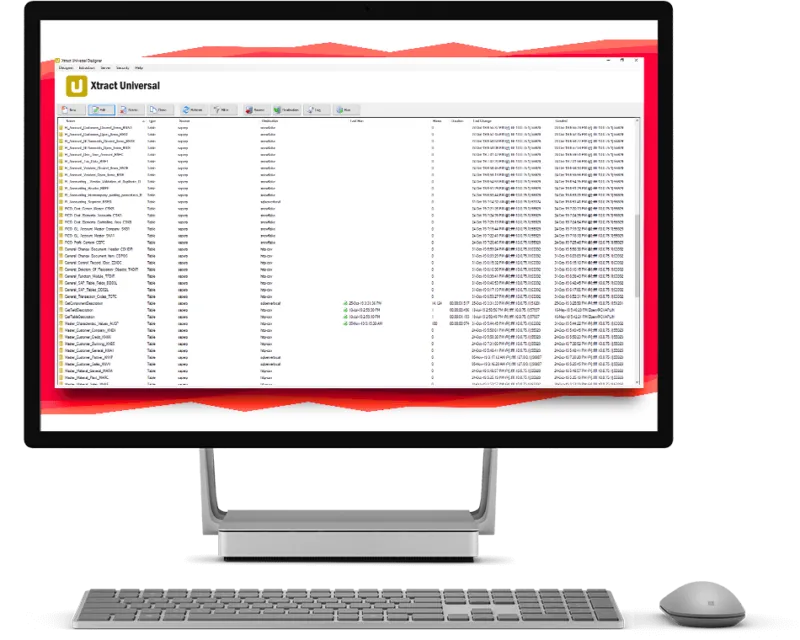
Xtract Universal addresses SAP data extraction challenges through multiple specialized approaches. The solution is built on SAP-certified technology, ensuring secure and stable access to SAP systems. A custom-developed ABAP code for table extraction enables high-performance and reliable extraction of various table types.
The software offers multiple specialized extraction methods for handling large data volumes, incremental extractions, and near real-time synchronization – including Table CDC, which captures only changed, new, or deleted records and reduces system load significantly. Processing is done in optimized packages, minimizing resource consumption in the SAP system.

Your Solution: Xtract Universal
Xtract Universal addresses SAP data extraction challenges through multiple specialized approaches. The solution is built on SAP-certified technology, ensuring secure and stable access to SAP systems. A custom-developed ABAP code for table extraction enables high-performance and reliable extraction of various table types.
The software offers multiple specialized extraction methods for handling large data volumes, incremental extractions, and near real-time synchronization – including Table CDC, which captures only changed, new, or deleted records and reduces system load significantly. Processing is done in optimized packages, minimizing resource consumption in the SAP system.

Process Automation and Analysis Optimization
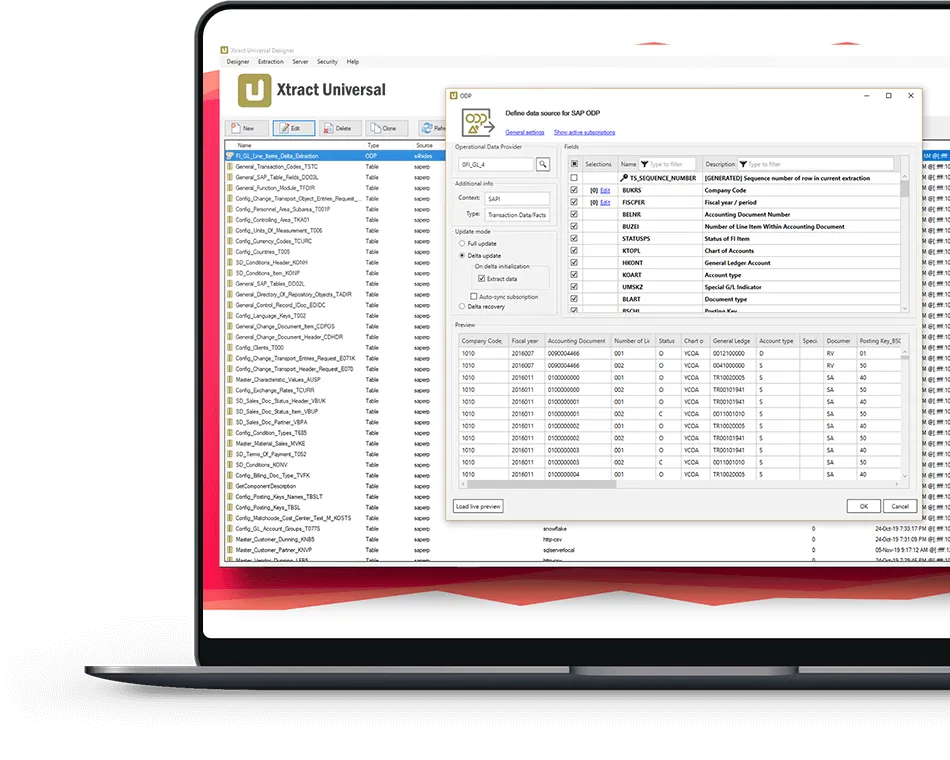
By connecting SAP and Microsoft SQL Server through Xtract Universal, business processes can be seamlessly digitized and workflows optimized. Data silos are eliminated, enabling business processes to be represented and managed more simply, precisely, and transparently. Additionally, SQL Server allows for comprehensive analysis of SAP data, providing deeper insights into business operations.
Process Automation and Analysis Optimization
By connecting SAP and Microsoft SQL Server through Xtract Universal, business processes can be seamlessly digitized and workflows optimized. Data silos are eliminated, enabling business processes to be represented and managed more simply, precisely, and transparently. Additionally, SQL Server allows for comprehensive analysis of SAP data, providing deeper insights into business operations.
Gain deep insights into your SAP data and automate your business processes.
Xtract Universal ensures the availability of SAP data in MS SQL Server
Our customer, Nestlé Deutschland, uses Xtract Universal to automate SAP data extraction daily—efficiently and up to 30% faster.

Xtract Universal allows us to automatically and quickly extract large volumes of SAP data and flexibly store them in various Microsoft target environments.

What Xtract Universal Offers
- Processing SAP Business Logic
Supports SAP extractors and BAPIs to ensure compliance with SAP business logic. - Flexible Data Transfer Scenarios
Handles large data volumes in batch processes and enables time-critical real-time transmission of individual records. - Reliable Security
Communicates with SAP systems through encrypted data transmission while adhering to SAP authorization models.

Seamlessly and Quickly Integrate SAP Data into Your SQL Server Target Environment
Experience in a free demo how Xtract Universal connects the SAP and Microsoft worlds.
Frequently Asked Questions About SAP Integration with Microsoft SQL Server
