.svg)

Connect Power BI and SAP
Microsoft Power BI is one of the leading platforms for modern business intelligence and advanced data analytics. Leverage this power specifically for your SAP data: Xtract Universal acts as a high-performance Power BI SAP Connector, enabling fast, stable, and reliable data transfer. Your SAP data becomes actionable insights in Power BI dashboards and interactive reports.



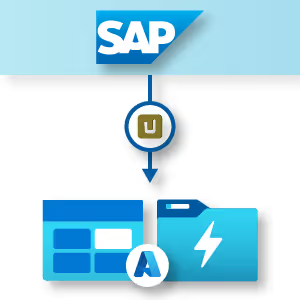
Efficient SAP integration with Azure Cloud
Learn more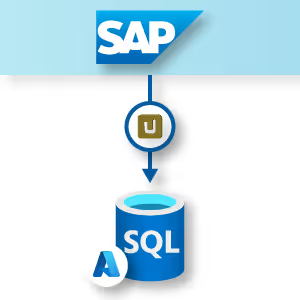
Maximum performance for your SAP data
Learn more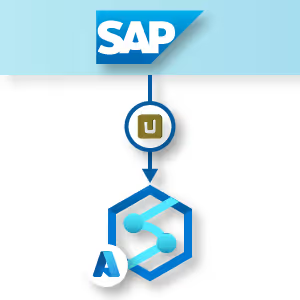
Fast and reliable SAP data analytics
Learn more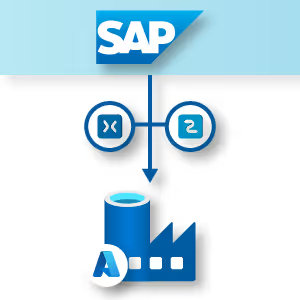
Automated processing of SAP data
Learn moreThe Challenge: Efficiently Integrating SAP Data into Power BI
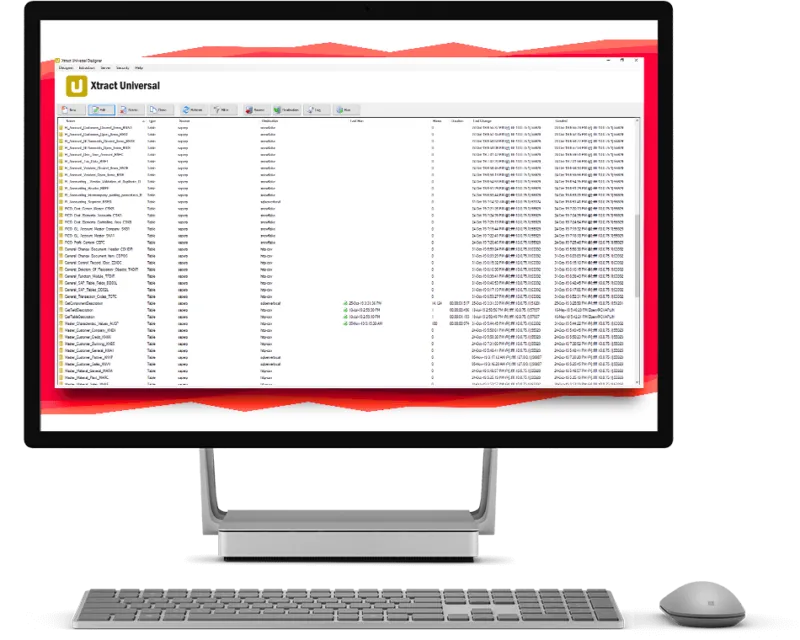
Connecting SAP and Microsoft provides a strong foundation for business intelligence and digital transformation. SAP manages and processes critical business data, while Power BI offers advanced analysis and visualization capabilities.
To make this combination effective, a reliable Power BI and SAP integration is essential. SAP data must be made available to Power BI in a structured, secure, and performant way to support modern analytics and informed business decisions – including the use of near real-time data when required.
The Challenge: Efficiently Integrating SAP Data into Power BI
Connecting SAP and Microsoft provides a strong foundation for business intelligence and digital transformation. SAP manages and processes critical business data, while Power BI offers advanced analysis and visualization capabilities.
To make this combination effective, a reliable Power BI and SAP integration is essential. SAP data must be made available to Power BI in a structured, secure, and performant way to support modern analytics and informed business decisions – including the use of near real-time data when required.

Xtract Universal.iQ: Your Power BI SAP Connector for Scalable Data Integration
Connect, integrate, and simplify—with Xtract Universal.iQ, you can make the most of your SAP data in Power BI.
We specialize in securely and efficiently making large volumes of data from SAP systems available for modern analytics platforms such as Microsoft Power BI. Through Xtract Universal’s intuitive interface, you can establish connections between Power BI and multiple SAP systems—such as SAP BW or SAP HANA—without any programming.
Through incremental data extraction, optimized processing workflows, and automated processes, you ensure that your data is always up to date. At the same time, manual effort is reduced to a minimum.
Data transfer is fully automated and complemented by a robust security framework—including access controls and encryption for sensitive SAP data.

Xtract Universal.iQ: Your Power BI SAP Connector for Scalable Data Integration
Connect, integrate, and simplify—with Xtract Universal.iQ, you can make the most of your SAP data in Power BI.
We specialize in securely and efficiently making large volumes of data from SAP systems available for modern analytics platforms such as Microsoft Power BI. Through Xtract Universal’s intuitive interface, you can establish connections between Power BI and multiple SAP systems—such as SAP BW or SAP HANA—without any programming.
Through incremental data extraction, optimized processing workflows, and automated processes, you ensure that your data is always up to date. At the same time, manual effort is reduced to a minimum.
Data transfer is fully automated and complemented by a robust security framework—including access controls and encryption for sensitive SAP data.

SAP Data Analysis in Power BI: Clearly Visualized and Faster Insights
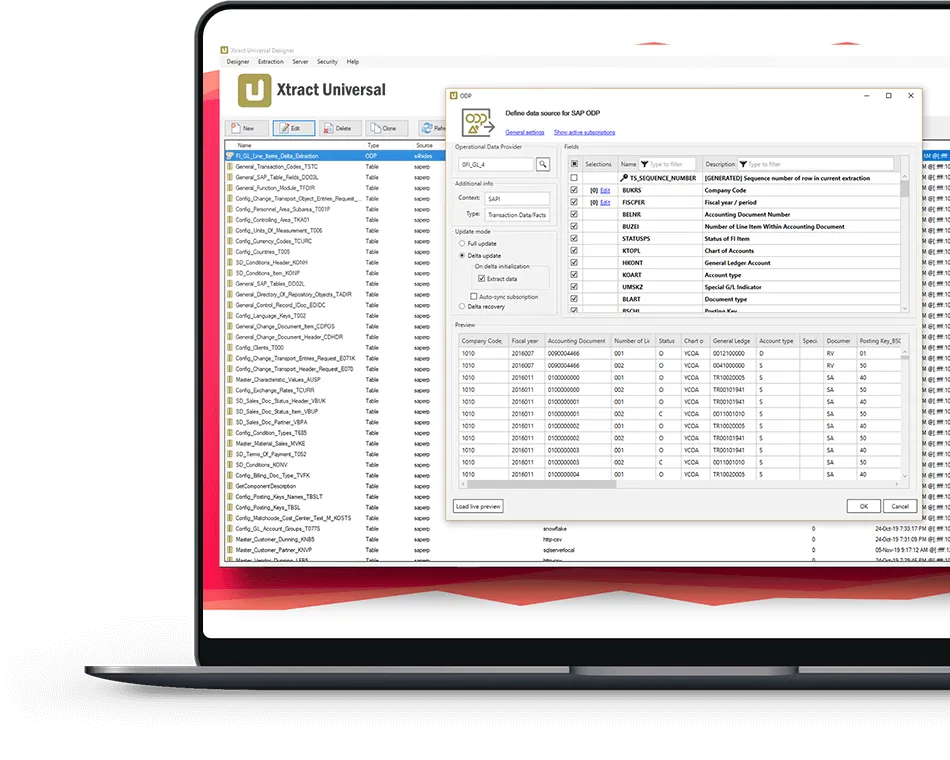
Xtract Universal delivers SAP data in a structured format, ready for flexible use in Power BI. Updates can be configured based on your needs:
- Automated at fixed intervals
- Event-driven
- Or manually
Power BI transforms these data sets into clear dashboards and reports, making even complex data easy to understand. This enables faster analysis, greater transparency, and better decision-making.
SAP Data Analysis in Power BI: Clearly Visualized and Faster Insights
Xtract Universal delivers SAP data in a structured format, ready for flexible use in Power BI. Updates can be configured based on your needs:
- Automated at fixed intervals
- Event-driven
- Or manually
Power BI transforms these data sets into clear dashboards and reports, making even complex data easy to understand. This enables faster analysis, greater transparency, and better decision-making.

Harness the power of Power BI for your SAP data – seamlessly, automatically, and reliably.
Your Benefits with Power BI SAP Integration at a Glance
Xtract Universal combines stable SAP data structures with modern Power BI analytics – efficiently and at scale.
Using Change Data Capture (CDC) technology, changes to SAP data are identified and promptly transferred to Power BI so that up-to-date data is always available.
Our customer Goldhofer AG ensures that data from various SAP modules are efficiently and reliably made available for use in Power BI, both on a daily basis as well as hourly or every 15 minutes, in a Data Vault-modeled Core Data Warehouse.

"Xtract Universal provides exactly the features we need to automate the delivery of SAP data for BI and Analytics."

How the SAP Integration Works with the Power BI Connector
Flexible Data Extraction
supports data from SAP tables, BW InfoCubes, BEx queries, and DataSources.
Multipart Upload
transfers large data volumes in stages, ensuring stable loading processes in the target environment.
Integrated Security
manages access and protects data through encryption and clear permission structures.

Integrate Your SAP Data into Power BI
We show you how to make your data efficiently usable and create a solid foundation for modern analytics.
FAQ: Frequently Asked Questions About SAP Integration in Microsoft Power BI
